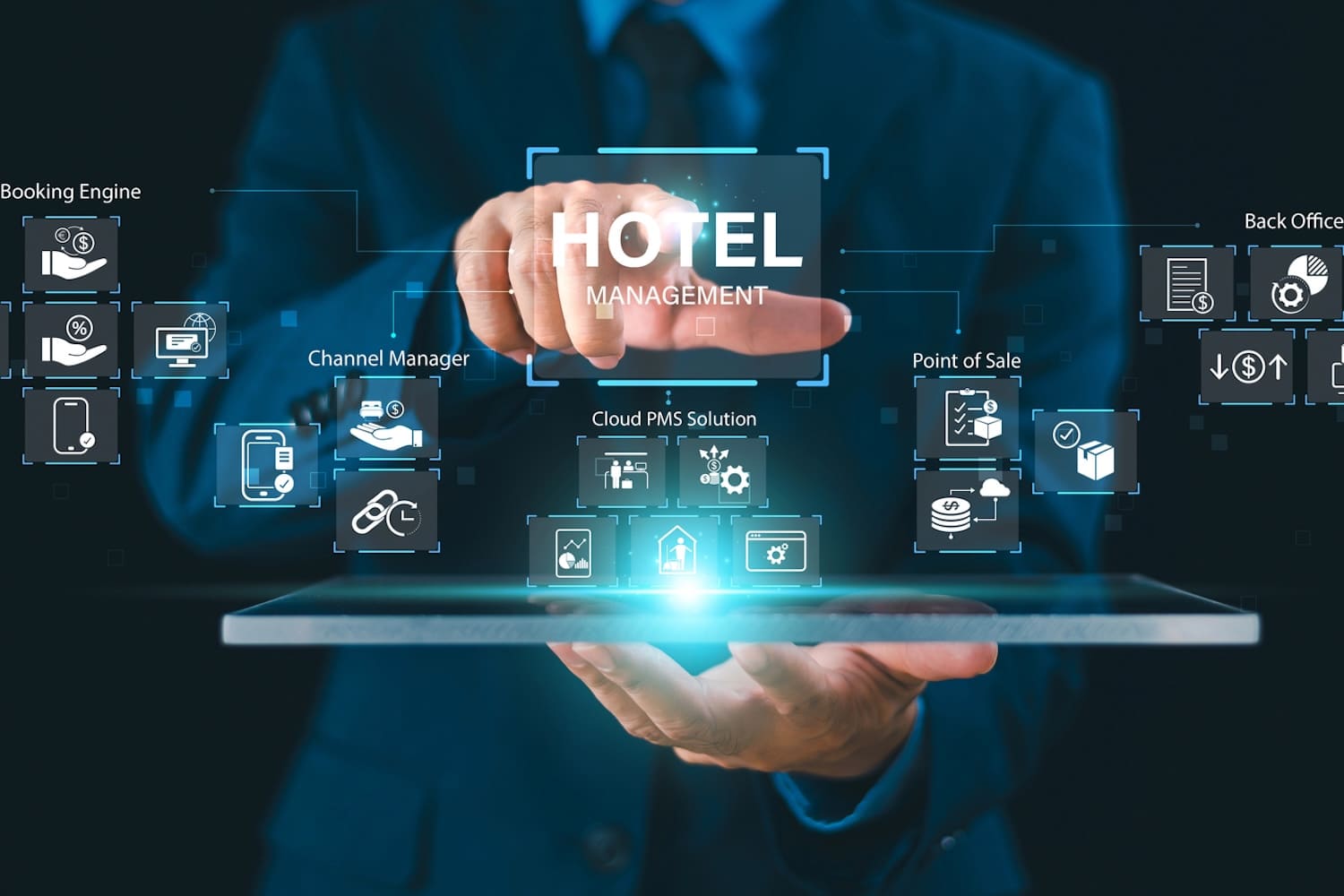
You’ve got a decent tech stack. Your Property Management System (PMS) handles reservations, your phone system handles calls, your CRM captures guest preferences, and your housekeeping app tracks room status. Everything works. Separately.
Here’s the problem: your guest doesn’t experience four separate systems. They experience one hotel. When a guest calls asking about their reservation and your front desk staff has to manually search three different screens to find that information, that’s not your tech failing, it’s integration failing. And your guest feels it.
Integration between your communications platform and your PMS isn’t a nice-to-have feature. It’s the difference between staff who feel empowered to serve guests quickly and staff who feel trapped by clunky handoffs and duplicate data entry.
Why PMS Integration Actually Matters
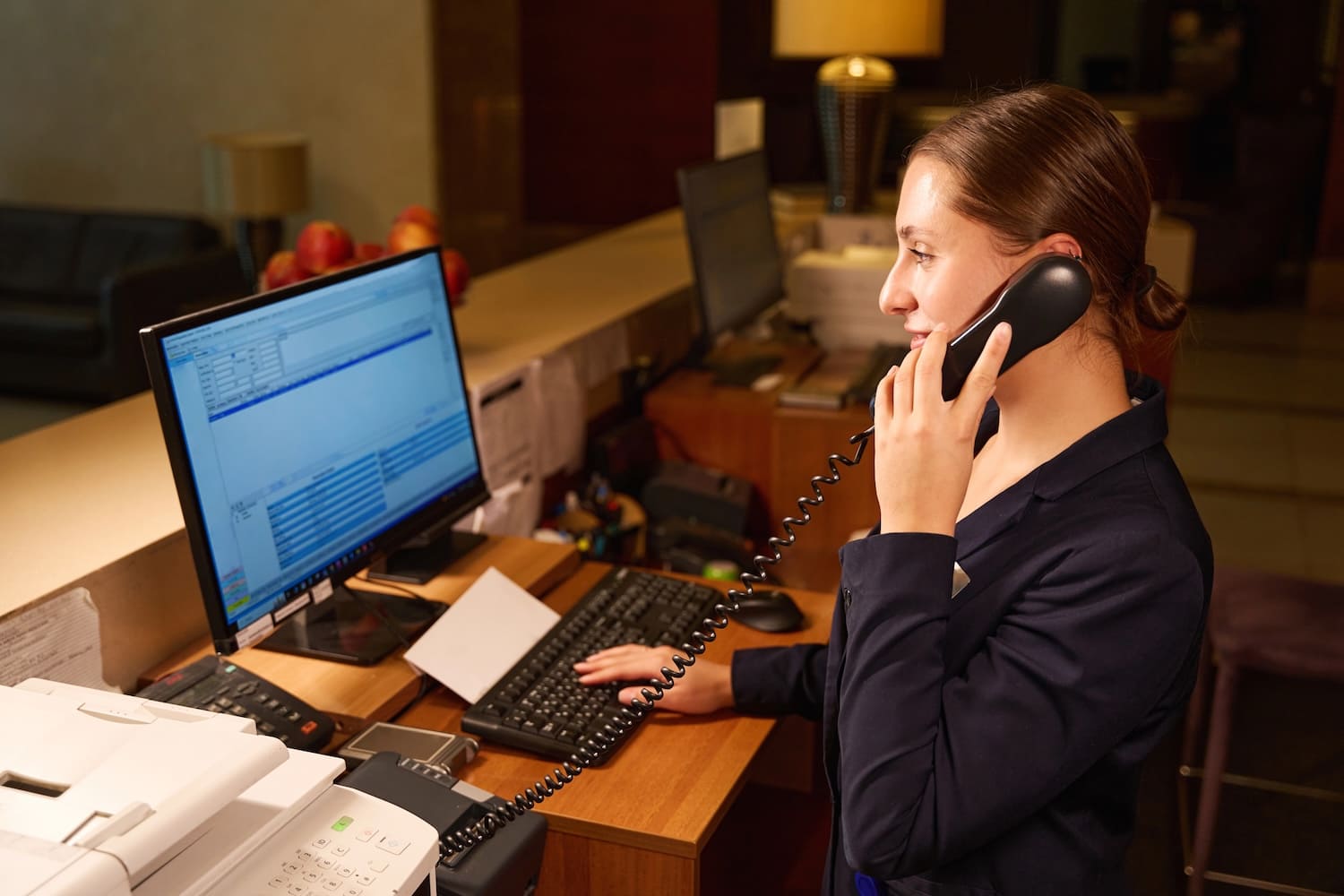
A guest calls the front desk. Without integration, your receptionist answers the phone, asks for the room number or reservation name, then leaves the caller waiting while they log into the PMS separately, find the booking, check dates, read notes, and then finally answer the question.
With proper integration, your phone system pulls that guest’s information automatically when the call arrives. Your receptionist sees it before they even answer. “Hi Sarah, calling about your checkout tomorrow?” The guest feels recognised. The interaction is faster. Your staff looks competent.
Faster guest interactions mean your small front desk team handles more calls. Better guest experience means higher satisfaction scores and repeat bookings.
Integration also prevents errors. When information lives in one place and syncs automatically, there’s no version where one system says the room is occupied and another says it’s available. No double-bookings because communication and reservations are aligned.
What Integration Actually Means
Integration doesn’t mean your systems are one unified platform. It means they share information in real time through middleware or direct connections.
When your Mitel communications system integrates with your Property Management System (PMS), several things happen:
Guest information flows automatically. When a call arrives at the front desk, the system identifies the caller and displays their reservation details, room number, check-in date, previous stays, and any notes about preferences or issues.
Room status updates sync instantly. When housekeeping marks a room as cleaned in your housekeeping app, that status updates automatically in the PMS and on the front desk display.
Maintenance requests populate automatically. Guest reports an issue to front desk. Front desk enters it into the system. Because integration exists, maintenance staff see it on their device with the room number, guest name, and issue description already filled in. No retyping, no delays.
Call recordings and voicemails attach to reservations. If a guest leaves a voicemail about a special request, that recording lives in their reservation record. Any staff member accessing that booking can listen to exactly what the guest asked for, in the guest’s own voice.
This is integration, it’s systems talking to each other instead of forcing your staff to be the middle-person translating between them.
Questions to Ask Your Vendor Before Committing
Integration capabilities vary dramatically between vendors. Here’s what to ask:
“Do you have a certified integration with our PMS, or does it require custom development?” Certified integrations are pre-built and tested. Custom development means higher costs and longer timelines. Push back politely if a vendor wants custom work when a certified integration exists.
“If integration fails or the PMS updates, who supports the fix, you, the PMS vendor, or do we coordinate between you?” This matters because when something breaks, you need clear accountability. If integration is built on middleware (like iLink), confirm the middleware vendor actively maintains and updates the connection.
“How frequently does the data sync? Real-time or hourly?” Real-time syncing means information is current. Hourly syncing introduces delays where staff might act on outdated information.
“What happens if the integration breaks? Do we fall back to manual processes or lose functionality?” Some integrations degrade gracefully; others fail completely. Know which you’re getting.
“Does the integration include guest history and preferences, or just current reservations?” Guest history integration is more valuable because your staff can see patterns (guest prefers high floors, always requests late checkout, had an issue last visit).
“Can we see integration performance metrics? How do we know if it’s working?” A good vendor provides dashboards showing sync success rates, failure logs, and performance data. If they can’t show you metrics, they probably aren’t monitoring it closely.
Red Flags That Integration Will Be Problematic
Watch for these warning signs before you sign a contract:
“We’ll figure out integration after we install.” Integration should be planned before implementation, not an afterthought. If a vendor is vague about integration timing, they don’t have it planned.
“The integration will require your IT department to do significant customisation.” Unless you have a dedicated IT team, custom integration creates ongoing support burden and becomes fragile when vendors update systems. This is a major red flag for smaller properties.
“Our system doesn’t integrate directly, but our partner does.” This might work, but it creates a chain of dependencies. If your communications vendor doesn’t integrate directly with your PMS, confirm the middleware solution (like TigerTMS) is actively maintained and that both your communications vendor and PMS vendor actively support it.
“Most customers don’t use that feature.” If a vendor minimises integration importance or suggests you don’t really need it, they’re either not invested in integration or not technically capable. Either way, that’s problematic.
“It integrates with everything.” No system integrates equally well with everything. If a vendor claims universal integration, they’re overselling. Integration quality varies dramatically between systems.
Making Integration Work in Practice
Integration looks great on paper. It works even better in practice, but only if staff actually use it. Here’s what actually matters:
Train your team on the integrated workflow. Don’t just install it and assume they’ll figure it out. Show front desk staff how to read the PMS information that automatically appears. Show housekeeping how updated room status reflects in the system. The technology is only as good as the adoption.
Start measuring. Track call handling time before and after integration. Measure room turnover times. Count how many times staff had to search manually for information that should have synced. Use these metrics to prove integration ROI and justify the investment to management.
Plan for ongoing management. Integration isn’t install-and-forget. Your PMS vendor will update their system. Your communications platform will release new versions. Integration requires periodic testing to ensure it’s still working correctly after updates.
The Bottom Line
Your tech stack is only as good as how well all that software interacts with one another.
Integration between your communications platform and your Property Management System isn’t complexity. It’s clarity. It’s your staff having the right information at the right time to serve guests well.
Ready to start your integration? Speak with our team today to find out more.